Get in touch
Designing a factory floor tool for workers who can't afford to stop

With decades of hands-on manufacturing expertise, the company Maugin decided it was time to move on from paper-based order slips and bring its operations into the digital age.
The goal was to digitalize key activities across the factory floor, from parts storage and goods reception to palletizing, through a tool that would save time for every employee and ensure reliable tracking of parts and joinery throughout production.
Using artistic projects to engage and educate

Maugin is a leading French industrial manufacturer, a family-owned group based in Saint-Brévin-les-Pins. The company designs products such as windows, shutters, and entry doors made of PVC, aluminum, or steel.
Designing within constraints: 1 tool & imposed hardware
We joined the project after a key decision had already been made: the tool would run on handheld barcode scanners, similar to those used in supermarkets. At first glance, a constraint, but also a well-suited choice for the environment. Scanners can read barcodes directly, come with a physical keyboard for input, and are far more resistant to the wear and tear of a factory floor than a standard tablet or smartphone. Our job was to design within that reality, not around it.
Interviewing factory workers to map out 5 daily user journeys

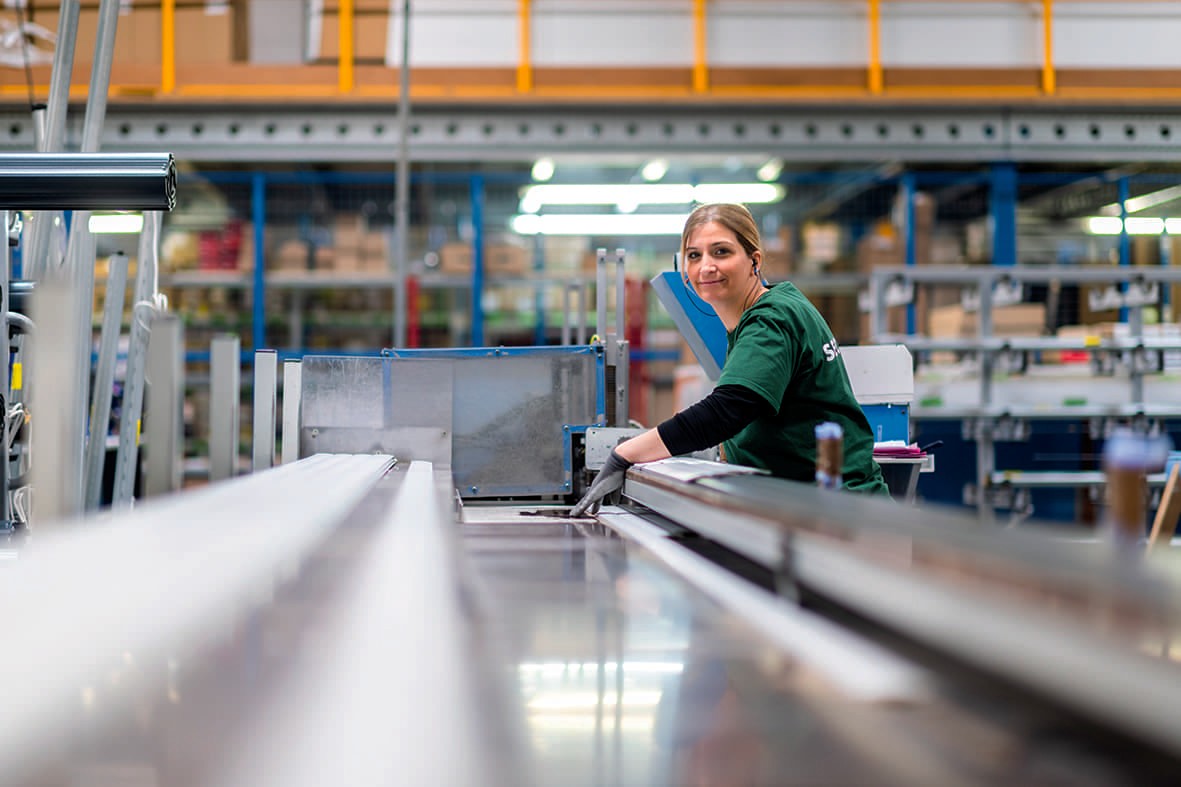
I visited the factory to meet the future users face to face (operators, warehouse staff, and logistics teams) and walked them through their employer's vision of digitalizing their daily operations. The conversations were genuinely energizing. These were people who knew exactly what slowed them down every day, and they could immediately see the potential of what we were building. They were invested from the start, because they knew this tool would change the way they worked. From these interviews, we mapped out 5 distinct user journeys, one per role, giving us a clear picture of what the tool needed to do and when.
A glove-wearing workforce that reshaped every design decision

Through user interviews, we were able to map out the user journeys for each role, gaining a better understanding of the work environment and identifying opportunities for the business tool. This stage was crucial because, for example, we noticed that the future users would be wearing gloves, which made certain tasks on a touchscreen impossible.
Graphic research focused on 1 principle: clarity at a glance

With a small screen and gloved hands as our main constraints, the benchmark phase became a really interesting design exercise. I looked beyond traditional B2B interfaces and drew inspiration from unexpected places, smartwatch UIs, warehouse management systems, and industrial kiosk screens, all contexts where screen real estate is limited and every tap has to count. The goal was to identify interfaces that led users straight to the primary action, with no friction and no second-guessing. This research helped us make several key visual decisions early on: large touch targets, high-contrast layouts, and icons with unambiguous meaning.
Remote co-creation sessions to build wireframes with the client, not for them

With our research and user journeys in hand, we began wireframing collaboratively with the client through a series of remote working sessions. Together, we mapped out the full experience the product would eventually cover, while making a deliberate scoping decision: for the MVP, we prioritized two core flows, Inventory and Goods Reception. These were the highest-impact, highest-frequency tasks across the team. Working directly with the client at this stage ensured the wireframes reflected both user needs and operational reality, and avoided costly misalignments further down the line.
User testing on-site to validate what works before development begins

We returned to the factory with interactive prototypes and ran user testing sessions directly on-site, putting the tool in the hands of the people who would use it every day. This was a critical step, not just to validate what worked, but to catch what didn't before a single line of code was written. The feedback led to targeted refinements, and the project then moved confidently into the development phase.
Challenges & results
When the visual direction doesn't land and why letting go was the right call
There was no major issue on this project, but one point of divergence was the app's visual direction. The client didn't fully connect with the graphic proposals we brought to the table. Since the project was still at the POC stage, we agreed to set that aside and land on a neutral design instead.
The client later reached out to illustrator Quentin Vuilleret to commission a logo and custom illustrations to bring the interfaces to life.
A user-centered POC that reshaped the client's own vision of the product
Thanks to our involvement from the very start of the project, we were able to design a user-centered app that perfectly met their current needs. We also realized that the client had a different perspective on the app’s structure, and their feedback was invaluable in refining the project’s coherence.