Get in touch
Redesigning a book discovery app that could work better

With decades of hands-on manufacturing expertise, the company Maugin decided it was time to move on from paper-based order slips and bring its operations into the digital age.
The goal was to digitalize key activities across the factory floor, from parts storage and goods reception to palletizing, through a tool that would save time for every employee and ensure reliable tracking of parts and joinery throughout production.
A Tinder-inspired app for book lovers

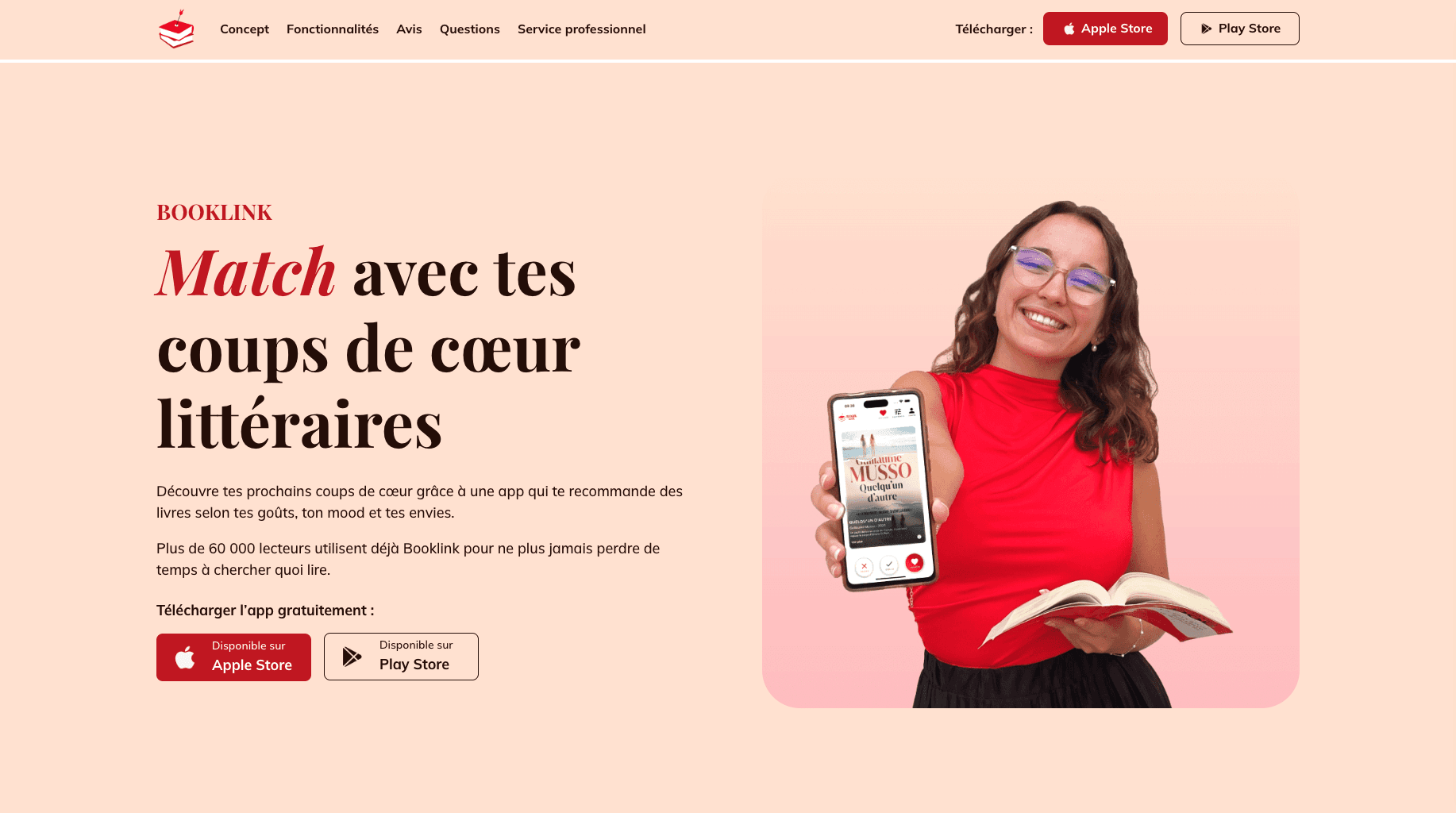
Booklink is a mobile app dedicated to book discovery. It offers personalized recommendations in the form of swipeable cards, inspired by dating apps like Tinder. Users can easily find new reads and share their favorites with a community of passionate book lovers.
A UX audit cross-referenced with real user reviews to find what 0.5% usage actually reveals

I started with a full UX audit of the application, going through every screen and flow to identify inconsistencies and friction points. But rather than relying solely on our own observations, I cross-referenced our findings with real user feedback, App Store and Google Play reviews, as well as insights Angélique had gathered firsthand at book fairs. The numbers told a clear story: the book collections feature, meant to be a key part of the experience, was only being used by 0.5% of users. The app worked technically, but lacked visual hierarchy and consistency across core components like buttons and typography, small issues that compound into a confusing experience over time.
Fly on the wall sessions with readers to observe, not just listen

In parallel, I ran user interviews with real readers, combining direct conversation with fly on the wall observation sessions, sitting back and watching users navigate the app without guiding them. This technique is particularly valuable because it surfaces what users do, not just what they say they do. Seeing someone hesitate, backtrack, or accidentally skip a feature tells you far more than any answer to a direct question. These sessions allowed me to complete the picture built by the audit and bring genuine user behavior into our thinking.
A user journey map that uncovered 1 missing feature everyone expected to exist

With our research consolidated, I built a user journey map to visualize the full experience and pinpoint where things broke down. One friction point stood out immediately: users couldn't move a book from their "To Read" list to their "Read" list. It sounds like a small detail, but in a reading tracker app, it's one of the most fundamental interactions and its absence was felt. The journey map also surfaced a broader gap: there was no onboarding flow to help new users understand how the app worked, leaving too many people to figure it out on their own.
Prioritizing with the founder before touching a single screen
Before jumping into design, I ran a prioritization phase with Angélique to align on what to tackle first. Not everything could be addressed at once, resources were limited, and some ideas would have to wait. This step was essential to make sure I was solving the right problems in the right order, and that the founder's vision for the product was fully reflected in what we built.
Building a UI Kit with the developer to make sure design and code spoke the same language


Once priorities were set, I moved into design, creating screens and flows while simultaneously building a UI Kit in close collaboration with the developer. This wasn't just a visual exercise: the UI Kit served as a shared reference that bridged design decisions and technical implementation, ensuring consistency across the app and reducing back-and-forth during development. It also laid a solid foundation for future iterations, making it easier to build on what we created without starting from scratch.
Challenges & results
Designing around constraints: categories, budget, and a roadmap that had to wait
One of the main challenges was finding a way to reorganize the book filters (Adventure, Romance, Thriller) which were mixed in with reading format types (Novels, Short Stories, Comics), while keeping all options available.
Due to limited resources on the client side, we weren't able to implement all of our ideas. Instead, we documented recommendations for future iterations and designed the app with space reserved for upcoming features, such as the Community tab.
An app that finally matched the quality of the idea behind it
Through the different phases, we were able to quickly improve the fluidity and consistency of the app, laying the groundwork for future evolutions. After implementing our changes, early feedback from Angélique and users confirmed that the new experience made the app easier and more enjoyable to use.